
Hjt HD 960 P 1.3MP IP Камера Беспроводной Wi-Fi видеонаблюдения сети P2P безопасности Крытый Android IOS P2P ONVIF 2.1 обнаружение движения
Описание
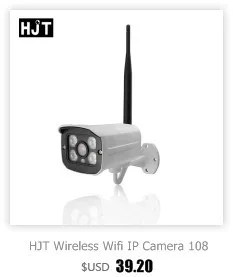 | 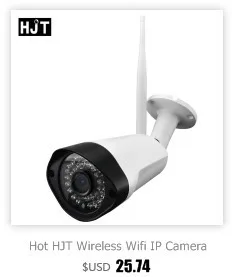 | 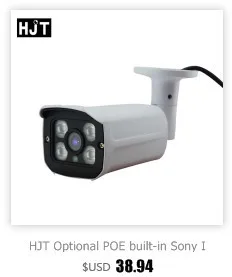 | 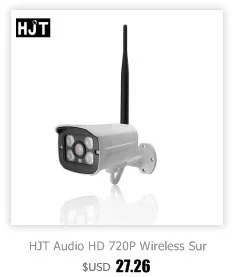 |
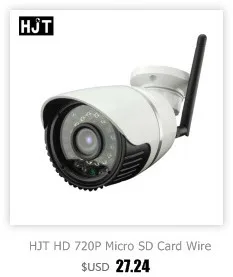 | 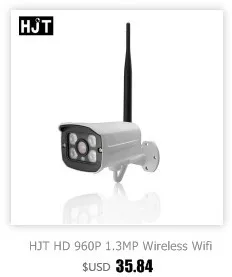 | 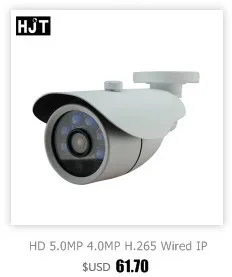 |  |

About item:

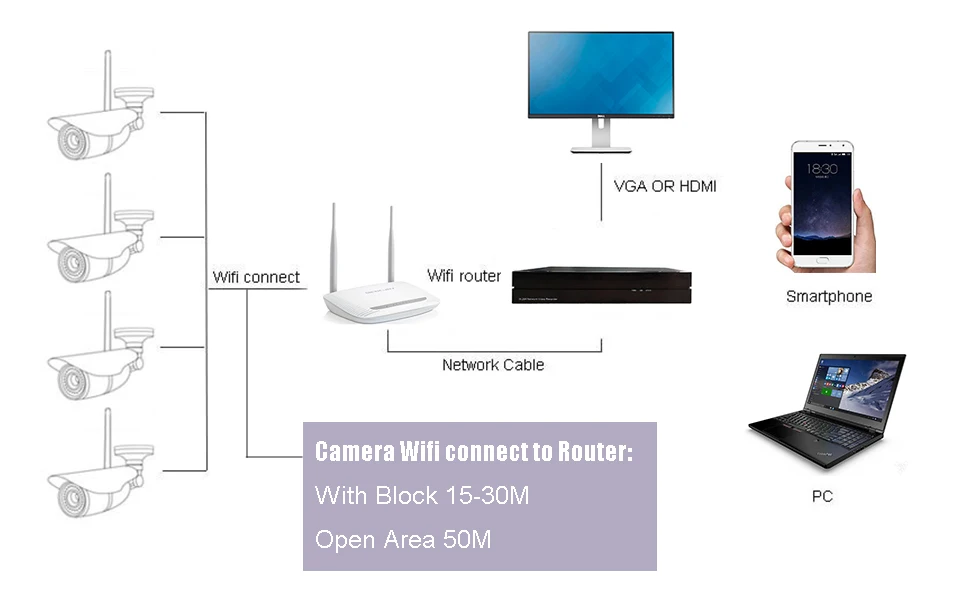



Instruction Videos
Video Links on Youtube:
1) Search and revise IP address
http://www.youtube.com/watch?v=u5L7UbpSyFo&feature=youtu.be
2) WIFI setting
http://www.youtube.com/watch?v=PDFaK_0KV1w&feature=youtu.be
When connecting camera to a PC directly:
http://www.youtube.com/watch?v=VE1wicoPF9U
When wifi and wired gateway are different on PC:
http://www.youtube.com/watch?v=8h1eB85kCMg&feature=youtu.be
3) Time setting:
http://www.youtube.com/watch?v=fgyuPqsGtJM&feature=youtu.be
4) Video setting:
http://www.youtube.com/watch?v=iVX_jGgJKUE&feature=youtu.be
5) Audio setting:
http://www.youtube.com/watch?v=eBLo7Xzlu_Y&feature=youtu.be
6) Recording setting:
http://www.youtube.com/watch?v=-zR_X8eRyoA&feature=youtu.be
7) To find UID and IE11 compatible setting:
http://www.youtube.com/watch?v=b_D6KD_ly_g&feature=youtu.be
8) Motion detection setting :
http://www.youtube.com/watch?v=U6RwslJTQo8&feature=youtu.be
9) AP Mode Wifi setting :
http://youtu.be/7psQI8-daN4
10) Wireless Camera System Introduction:
http://youtu.be/DryFYa7Dz1I
11) Camhi Setting:
http://youtu.be/Yu3IC_Lw-bA





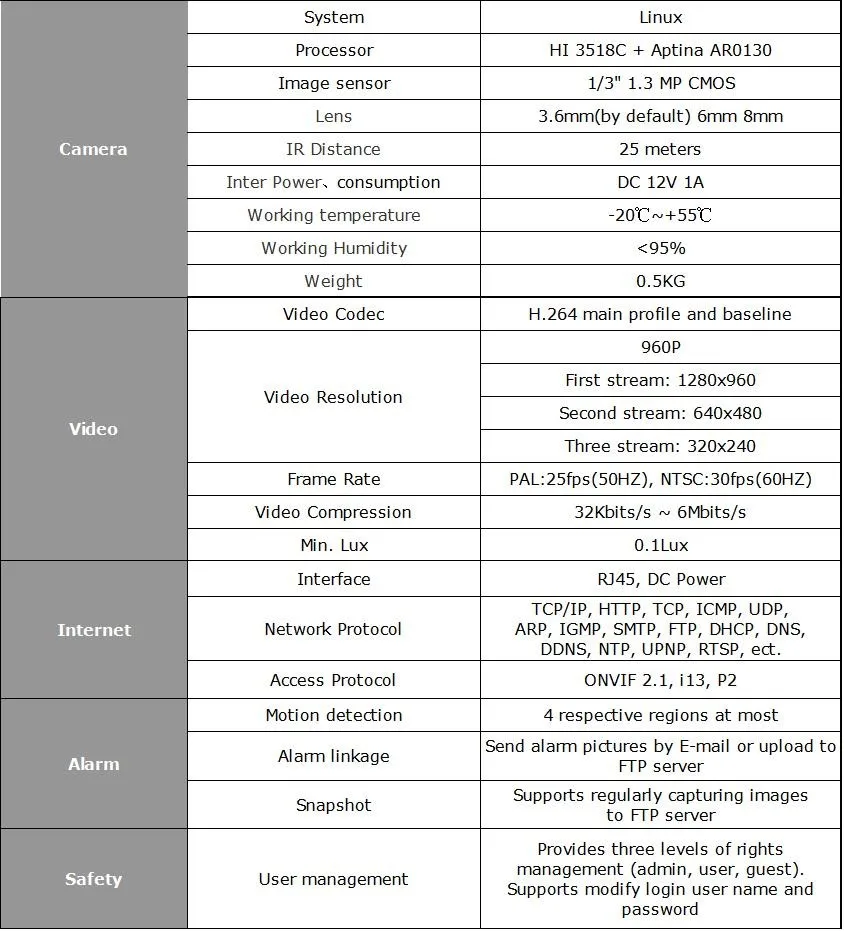
Характеристики
- Высокое разрешение
- 960 P HD
- Питание
- Нормальный
- поддерживаемых мобильных систем
- iOS / Android
- Формат сжатия видео
- H.264
- Поддержка операционных систем
- Windows Vista / Windows 7 / Windows 8 / Windows XP
- Технология
- Инфракрасный
- Срабатывание сигнализации
- Протокол передачи файлов фотографий / Электронная почта / Местная сигнализация
- Бренд
- HJT
- Установка
- Встраиваемый
- Возможность подключения
- IP / беспроводная сеть
- Стиль
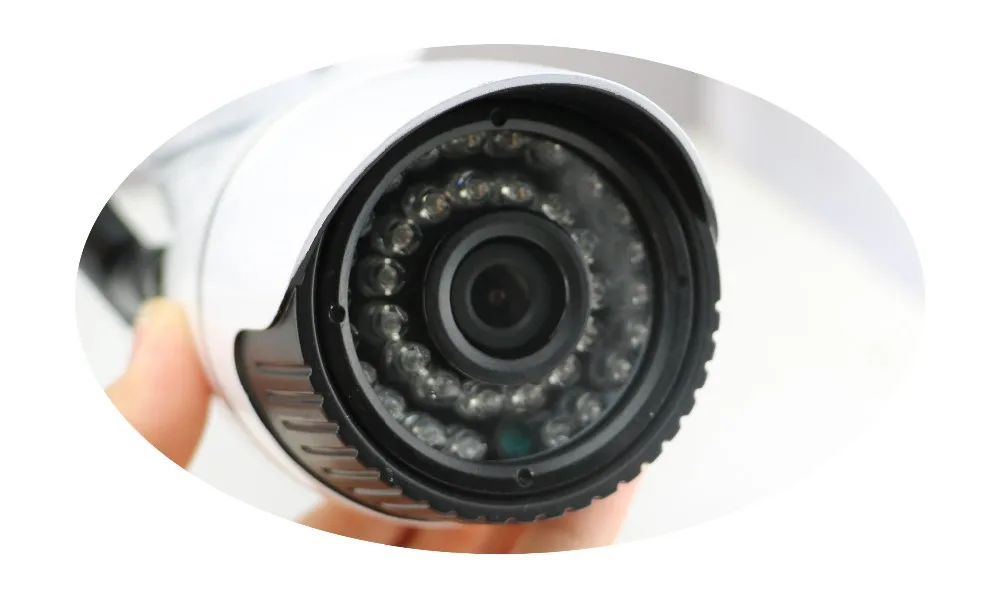
- Цилиндрическая камера
- Объектив (мм)
- 6 мм / 2.8 мм / 3.6 мм / 8 мм
- Сенсор
- КМОП-матрица
- Навесной кронштейн
- Потолок
- Индивидуальное изготовление
- Да
- Расстояние иК (m)
- 25M
- Сетевой интерфейс
- Wi-Fi/802.11/b/g
- минимальная освещенность люкс
- 0.1 LUX
- питания v
- 12V
- габариты( д х ш х г)( мм)
- 170*60*60
- Карты памяти
- Нет
- Тип
- IP-камера
- Особые характеристики
- Водонепроницаемый / с защитой от непогоды
- Номер модели
- 0103010C01A3
- потребляемая мощность вт)
- 3W
- Цвет
- Белый
- is_customized
- Yes
- Ships From
- CN


